Business automation for SMEs, from the till to the books
We set up one system for your accounting, stock, sales, payroll and expenses, on Odoo or the ERP you already run, so the till, the bank and the books agree without someone retyping them every evening.
At a glance
- SMEs that have outgrown spreadsheets, or have no system yet
- Businesses with several stores or branches to compare
- SMEs with an ERP or POS they want connected, not replaced
- Your current records, from spreadsheets, a stock book or the system you run
- Mobile money and bank statements, or access to their APIs
- Time for your team to be trained on the new system
- One system for accounting, invoicing, expenses, stock, sales and payroll
- Point of sale at the counter, writing to the same records as the office
- Reorder alerts for each store or branch
- Customer loyalty points and rewards
- Branch reports laid out the same way
- Automatic reconciliation of mobile money and bank statements
- Training for your team and support after go-live
Quoted after scoping
What changes
- Sales at the counter, stock in the store and the books all come from one system.
- You hear that stock is running low before a customer asks for something you no longer have.
- Mobile money and bank receipts are matched to sales and invoices without a spreadsheet.
- Each branch reports the same way, so you can compare them in one view.
- Your accounts become records a lender can read when you apply for credit.
What’s included
- Accounting, invoicing and expenses, set up for Kenya
- Inventory with reorder alerts for each store or branch
- Sales and point of sale at the counter
- Payroll with statutory deductions
- Customer loyalty points and rewards
- Reports across branches
- Payments by mobile money, and by card through your bank's card acquirer
- Automatic reconciliation of mobile money and bank statements
- Built on Odoo or connected to the ERP you already run
- Training for your team and support after go-live
How it runs
Audit
A free 30-minute call about how your team works today, and a one-page map of what to automate first.
Build
We build on the systems you already run and test on a safe copy of your data before anything goes live.
Run
We run, monitor and improve what we build, on a plan that suits the work.
When the business outgrows the notebook
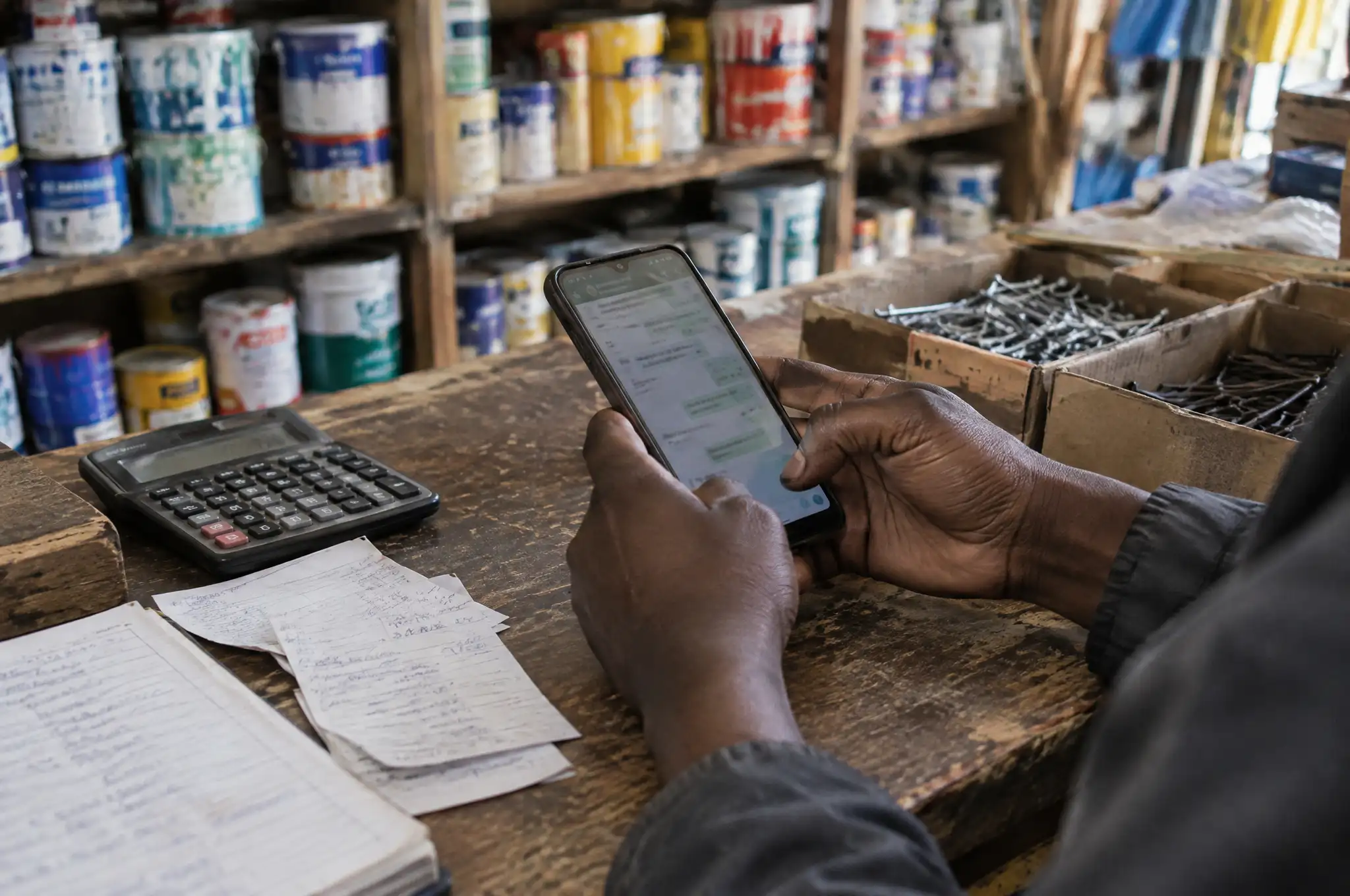
Most growing businesses run on a mix of a POS at the counter, a stock book in the store, a spreadsheet for expenses and an accountant who sees everything at the end of the month. Each one is fine alone. Together they disagree, and someone spends evenings making them agree.
We replace the mix with one system, set up for how your business sells, buys, pays and reports.
What goes into the system
Accounting and expenses. Invoices, bills, expenses and bank accounts in one ledger. Expense claims are captured once, with the receipt attached.
Stock with reorder alerts. Stock is counted for each store or branch, and you get an alert before an item runs out, not after.
Sales and POS. The till at the counter writes to the same records as the office, so every sale updates stock and the books at once.
Payroll. Pay runs with the statutory deductions, and payslips your staff can check.
Customer loyalty. Points and rewards that follow the customer across branches.
Branch reports. Sales, stock, margins and expenses for each branch, laid out the same way so you can compare them.
Payments in, books balanced
Customers pay by mobile money with M-Pesa, Airtel Money, MTN MoMo, Orange Money and other mobile money operators, or by card through your own bank’s card acquiring service. Each payment is matched to its sale or invoice. Bank receipts come in through banks with open APIs or the statements you import, and are matched the same way. What does not match goes to a person to decide, not into a suspense account nobody checks.
Records a lender can read
When sales, stock, expenses and payments all live in one set of books that reconcile to your bank and mobile money statements, your accounts tell a clear story. That is not a promise of credit. It does mean that when you approach a bank or a SACCO for a loan, you can hand over records a lender can read, instead of a bag of receipts.
Odoo, or the system you already run
If you are starting fresh, we usually build on Odoo. If you already run an ERP or POS that works for you, we connect it instead of replacing it. On Odoo, KRA eTIMS is set up per branch through our compliance pack. On another system, we check how it reaches eTIMS and tell you plainly what that takes.
Then put AI on the routine
Once the system holds clean data, an AI worker can take routine work off your team: chasing customers who owe you, answering stock questions on WhatsApp or sending you a morning summary of yesterday’s sales. See AI Digital Employees.
Common questions
Do we have to move to Odoo?
No. If you have no system yet, or you have outgrown spreadsheets, we usually build on Odoo. If you already run an ERP or POS you are happy with, we connect it to payments and reconciliation through its API where it has one, and tell you plainly if it does not.
Which payments can customers use?
Mobile money with M-Pesa, Airtel Money, MTN MoMo, Orange Money and other mobile money operators, and cards through the card acquiring service of your own bank. We connect your system to those services. We do not process card payments ourselves.
How does reconciliation work?
Mobile money receipts arrive through each operator's API, and bank receipts through banks with open APIs or the bank statements you import. Each receipt is matched to the right sale or invoice. Anything that does not match goes on a short list for a person to decide.
Will this help when we apply for bank credit?
We cannot promise that. What it does is keep sales, stock, expenses and payments in one set of books that reconcile to your bank and mobile money statements. Those are records a lender can read, which helps when you apply.
Does it handle KRA eTIMS?
On Odoo, eTIMS is set up per branch through our KRA eTIMS compliance pack, covering invoicing and stock records. On another system, we check how it reaches eTIMS and tell you plainly what that takes.
How is it priced?
It depends on your branches, the modules you need and the state of your current records, so it is quoted after a free audit. You get a written quote before any work starts.
More in Business Automation
What is taking too much time in your business?
Tell us about one task. We reply within one working day and suggest the simplest way to handle it.