Skip to content

Back-office automation for mobile money and bank reconciliation, documents and reports

We automate one workflow at a time: matching mobile money and bank payments to invoices, capturing supplier documents into Odoo, sending reports on schedule and checking payroll. Your team handles only the exceptions.

What changes

  • Mobile money and bank payments matched to invoices automatically, with exceptions in one review list.
  • Supplier invoices and receipts captured into Odoo as drafts, without retyping.
  • Reports reach managers on schedule, with figures that match your books.
  • Payroll deductions checked against current SHIF, NSSF, Housing Levy and PAYE rules before you pay.
  • Month-end starts with the matching already done, not with a pile of statements.
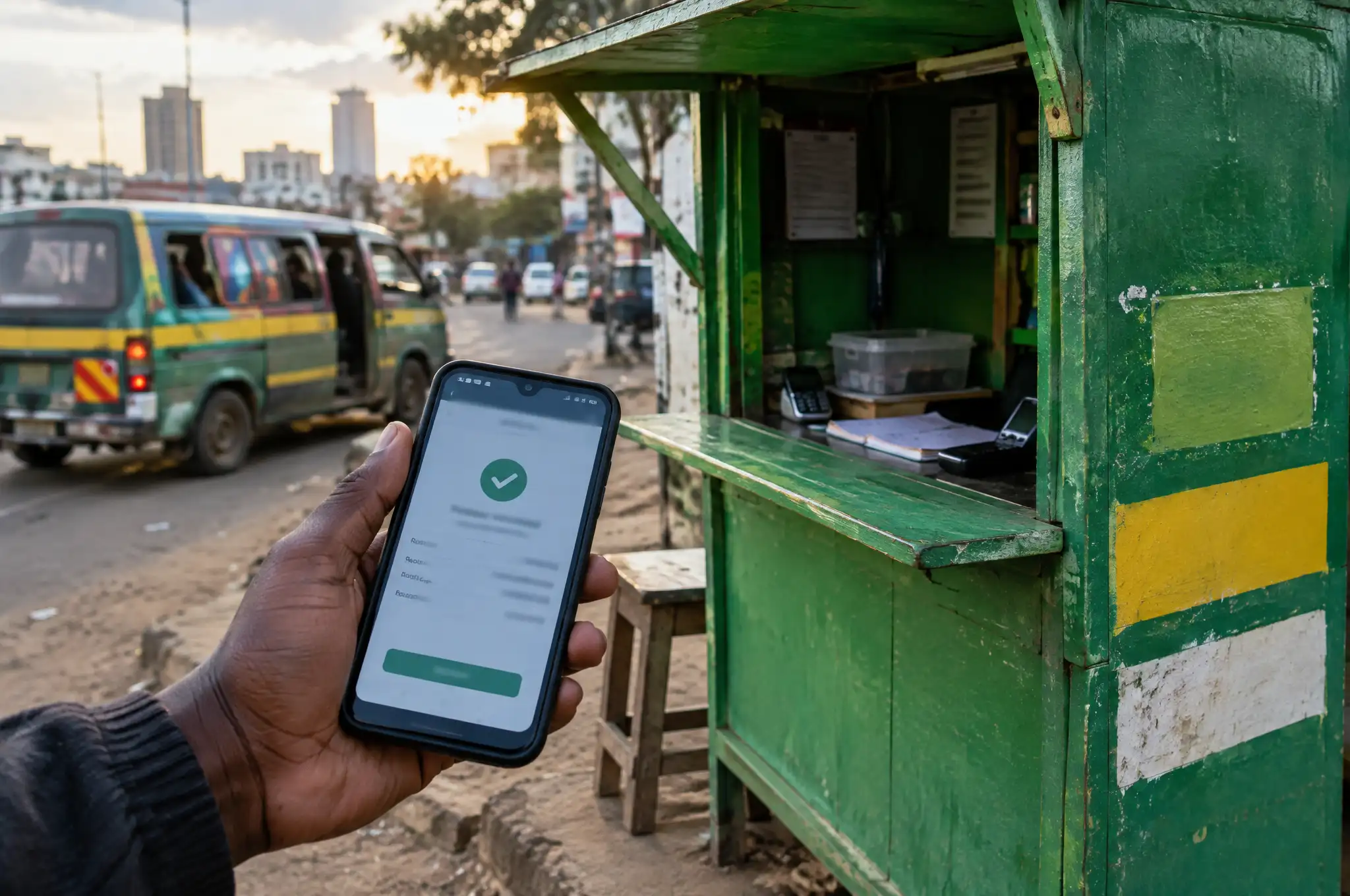
A hand holds up a phone showing a payment confirmation beside a green mobile-money kiosk, a matatu passing behind

What’s included

  • A map of the current process, with the time it takes your team today
  • One automated workflow, built and tested on a safe copy of your data
  • Integration with the systems this workflow touches, such as M-Pesa (Daraja), other mobile money, bank statements or Odoo
  • A review list for anything the automation can't match with confidence
  • An audit trail of every automated change
  • Alerts when a run fails or a figure looks wrong
  • Staff training and a written runbook

Price

From KES 120,000 per workflow

How it runs

  1. Step 1

    Map

    We sit with the person who does the work today and write down every step, file and exception.

  2. Step 2

    Build

    We automate the workflow on a copy of your data and compare its results with your team's manual work.

  3. Step 3

    Run side by side

    For a short period both run in parallel, so your team can trust the numbers before switching over.

  4. Step 4

    Hand over and monitor

    We switch over, train your team on the review list and monitor each run.

The hidden cost of manual back-office work

Somebody on your team downloads the M-Pesa and bank statements, opens the invoice list and ticks off payments one by one. Somebody else retypes supplier invoices into Odoo. On Monday morning, a manager waits for a report that is built by hand in Excel.

None of that grows your business, and all of it creates errors: a payment missed, a customer chased for money they already paid, a supplier invoice booked twice.

Workflows we automate

Mobile money and bank reconciliation

Our M-Pesa integration connects directly to Safaricom’s Daraja API. When a customer pays your Paybill and types an invoice number as the account, the payment is recorded and reconciled against that invoice in Odoo. Bank statements are imported and matched the same way, and other mobile money services, such as Airtel Money and MTN MoMo, and banks with open APIs can be connected through their own APIs. Payments that can’t be matched with confidence go to one review list, so your team handles exceptions instead of every line.

Document capture

Supplier invoices, receipts and delivery notes are read by AI and entered into Odoo as drafts for a person to approve. Since 1 January 2026, KRA checks the expenses in your income tax return against eTIMS records, and expenses without a valid eTIMS invoice are at risk of being disallowed. The automation flags supplier invoices that arrive without eTIMS details, so your finance team can follow up before the expense is booked.

Scheduled reports

Sales, stock, debtors and cash reports are built from Odoo and sent by email or WhatsApp on the schedule you choose. Figures come straight from the system and match Odoo’s own reports, so nobody argues about whose spreadsheet is right.

Statutory payroll checks

SHIF, NSSF, Housing Levy and PAYE deductions are set up in Odoo payroll and checked before each pay run. Differences from the previous month are flagged for a person to explain, before the money leaves your account.

One workflow at a time

We price per workflow because it keeps each project small, measurable and quick to prove. Start with the workflow that costs your team the most hours. Once it runs, the next one builds on connections that already exist.

If your customers pay through WhatsApp, pair this with a WhatsApp AI agent. If you run Odoo without eTIMS fully in place, start with KRA eTIMS compliance.
Common questions

Which workflows can you automate?

The common ones are mobile money and bank reconciliation, supplier invoice and receipt capture, scheduled sales, stock and debtor reports, and statutory payroll checks. If a task is repetitive, follows rules and happens in a system with an API or a reliable export, it is usually a candidate.

How does automated mobile money and bank reconciliation work?

M-Pesa payments arrive through Safaricom's Daraja API or your M-Pesa statement; other mobile money and bank payments through the provider's API, a bank's open API or a statement export. Each one is matched to an invoice or account using the account reference the customer typed, such as an invoice number. Clear matches are reconciled in Odoo automatically. Anything uncertain goes to a review list, and no payment is applied twice.

Do we need Odoo?

Odoo is where we do most of this work, and where the results fit best. We also automate around other systems that have an API or reliable exports. The free audit tells you which applies to you.

Is the price really per workflow?

Yes. From KES 120,000 per workflow covers mapping, building, testing and handover of one workflow. A workflow that touches many systems or high volumes costs more. We confirm the price in writing after the free audit.

What if the automation gets something wrong?

Every automated change is logged and can be traced. The rules are conservative: when the automation isn't sure, it asks a person instead of guessing. A run that fails sends an alert.

Can you automate statutory payroll?

We set up SHIF, NSSF, Housing Levy and PAYE deductions in Odoo payroll, generate payslips and flag differences before you pay. Rates and rules change, so we keep them current under an Odoo support retainer.

Find out what your systems could run on their own

Start with a free 30-minute automation audit. We look at how your team works across WhatsApp, M-Pesa and other mobile money, your bank, Odoo and eTIMS, and you leave with a one-page map of what to automate first.